Showing posts with label Tutorials. Show all posts

Monday, November 13, 2006

My Chemical Romance


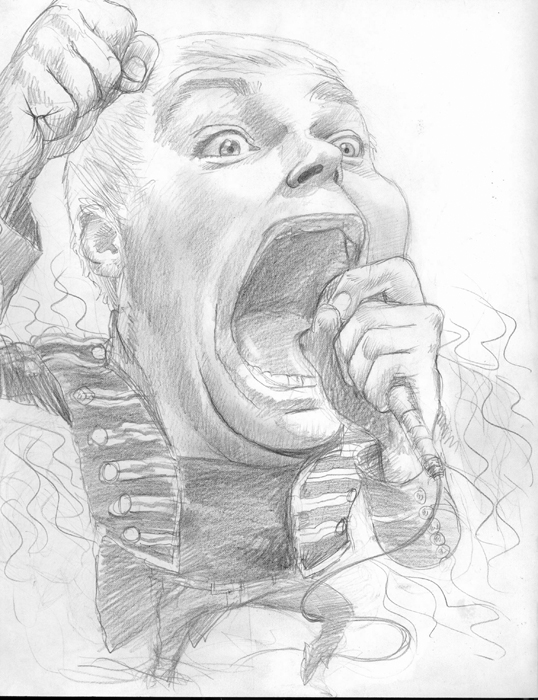
This is Gerard Way from the band My Chemical Romance. I love that name. I also love how Way just pours himself into MCR's music. For a long time rockers seemed to be almost apologetic about being over the top and theatrical. I enjoy watching music videos with my kids, and when this band comes on, it scares the bejeezus out of them.
This was for a review of their latest album "The Black Parade".

Tuesday, November 07, 2006

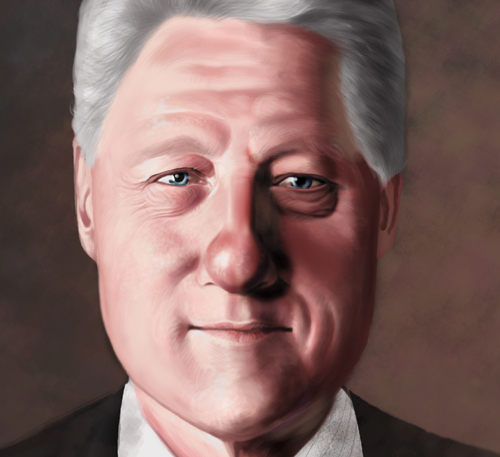
Clinton Final!


Oh yeah, the final!

Wrapping up Clinton


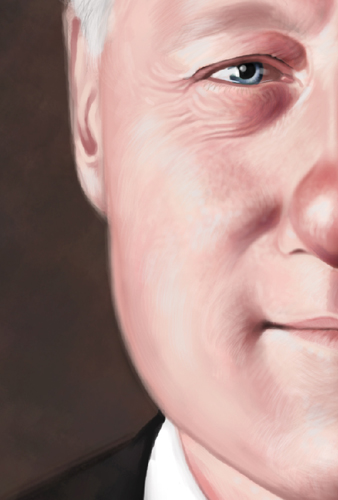
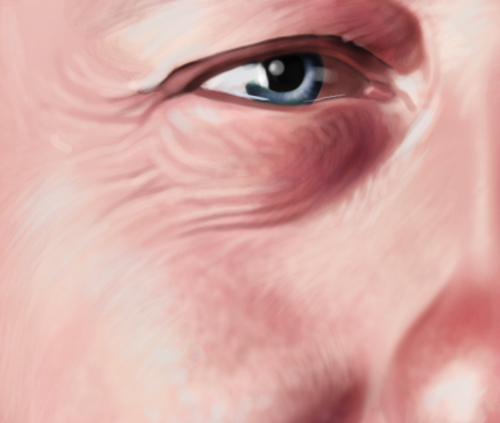
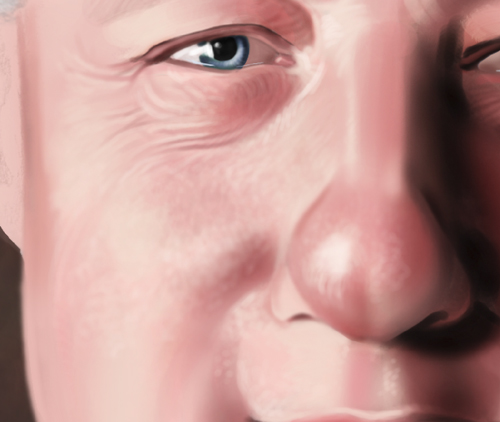
I've softened the edges using the same transparent brush described below, andused the "bristle" brush shown below for hair details and skin texture.

I put some violet in the shadows of the face to cool things off, and added some very light blue to the hilights to make them hotter.

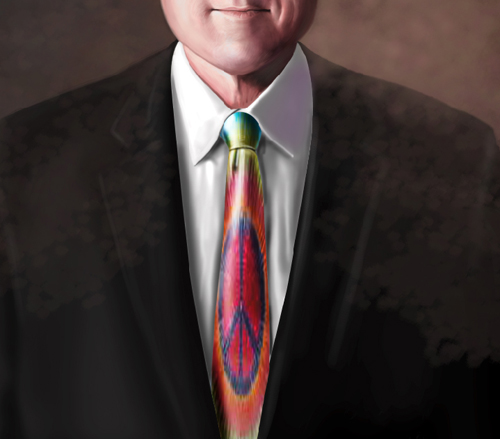
Also, I added a tie dye peace tie to break up the somber feel of the piece.

For the background, I created a scattered sponge-like brush with color dynamics. I brought the color of the background down over the jacket to unify the piece a bit and give it all a sense of continuity.

By the way, I experimented with using only 4 layers on this which is unusual for me. For something even as simple as this, I'd usually have over 15 layers.

That's about it for this piece, thanks for coming along for the ride!

Monday, November 06, 2006


From here, it's really just a matter of plugging away at the skin texture and eyes with the same 2 brushes I showed below. I have the brushes set at about 25% opacity. I also used the dodge and burn tools for hilights and shadows.
Next, I'll work more on the clothing.

Friday, November 03, 2006


Here's the custom brush I made for the hair, and the pallette I'm using for most of the painting.


I'm going to be putting up a sort of step by step. But first, here are the tools I use. I have an Apple G4, 2x1.42 processor with 2 gigs of RAM and a 120 gig hard drive. The monitor is the Apple 23" cinema display and the most imortant part is the Wacom 21"Cintiq monitor that allows you to use a stylus directly on the screen instead of a tablet. This has brought the whole digital thing right back to drawing on paper, or painting on canvas. If you're an artist working digitally, I can;t say enough about the Cintiq.